Summarize Any Video with AI in Seconds

Paste a YouTube link and get a clear, accurate summary of the key points — built from the actual transcript, not guessed. Then go deeper: full notes, flashcards, quizzes, or a podcast. One link, everything you need.

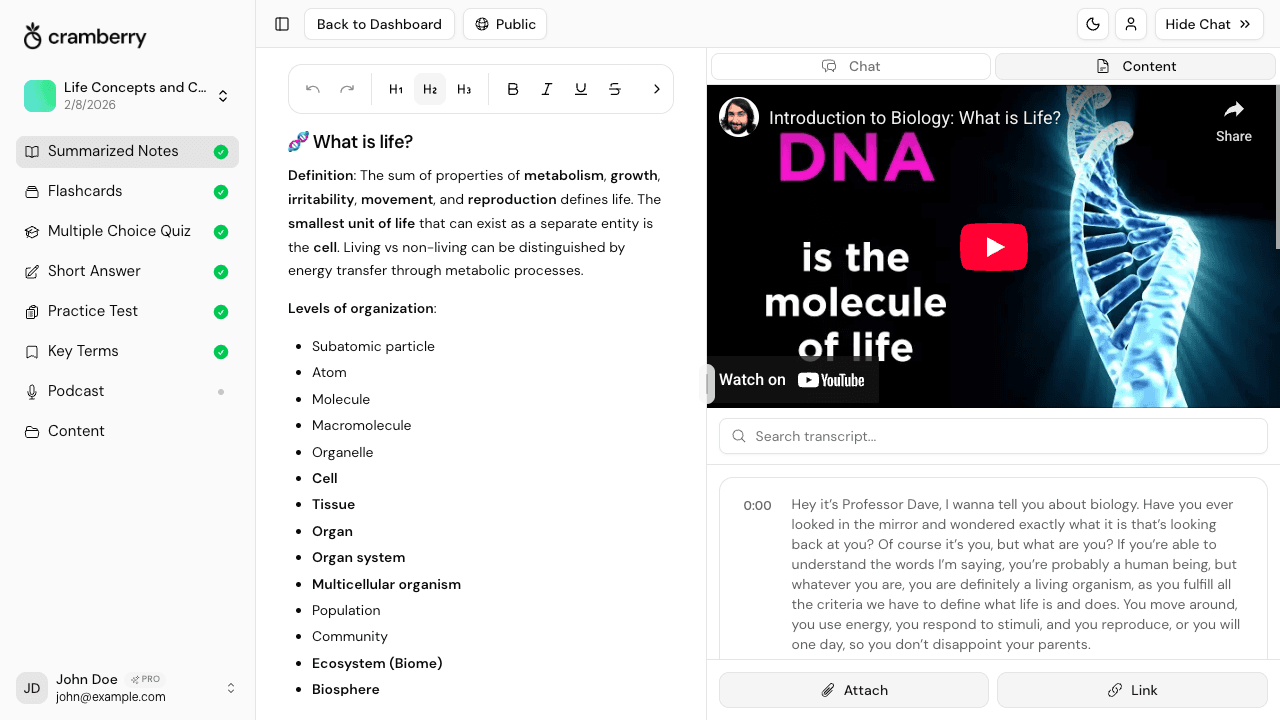
AI video summarizer generating key takeaways from a YouTube lecture

Why summarize videos with Cramberry?

Get the gist of a long video in seconds — or turn it into a full study set. Both. Your call.

Get the point without watching it all

Paste a YouTube URL and get a clean summary of the main points in under a minute. No scrubbing, no rewatching, no guessing what matters.

Transcript-grounded accuracy

The summary is built from what the speaker actually said — Cramberry reads the real transcript, so key points aren't invented or paraphrased beyond recognition.

Decide if a video is worth your time

Read the summary first. If the content matches what you need, go deeper. If it doesn't, move on. Stop losing hours to videos that don't deliver.

Capture every key argument

Main claims, supporting evidence, and conclusions — structured and readable, not just a wall of bullet points. The AI organizes by theme, not by timestamp.

Go deeper when you want to

One click from summary to full study notes, flashcards, a multiple-choice quiz, or an AI podcast. Everything lives in one StudySet — never scattered.

Works with more than YouTube

Have a recorded lecture, a podcast, or any audio file? Upload it directly and Cramberry will transcribe, then summarize it just the same.

How Cramberry's video summarizer works

Paste a link. Get the key points. Go as deep as you want.

YouTube video URL pasted into Cramberry to generate an AI summary

Paste a link, get the key points

Cramberry fetches the full video transcript, reads it end to end, and produces a clean, accurate summary of the main arguments, key takeaways, and important details — in seconds. No signup needed to try your first video.

  • Works with YouTube lectures, talks, tutorials, and interviews
  • Summary reflects what was actually said, not what an AI guesses the topic is
  • Organized by theme and idea, not just timestamps or raw bullet points
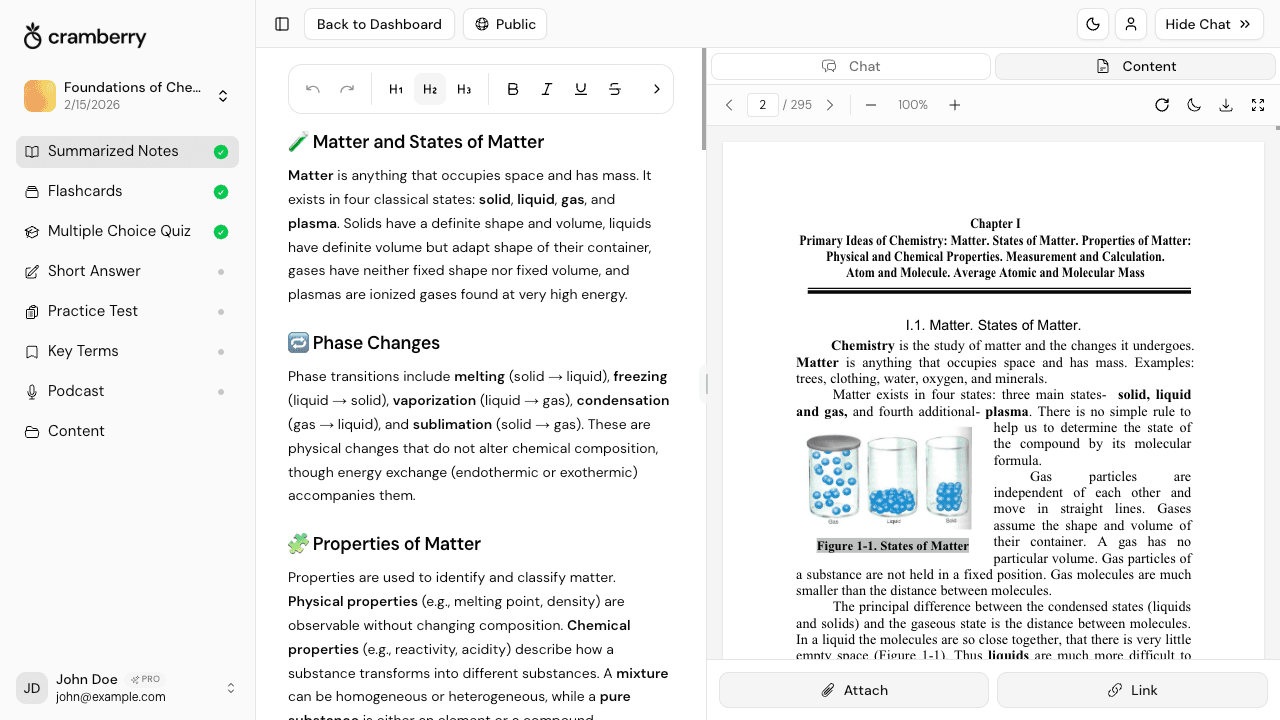
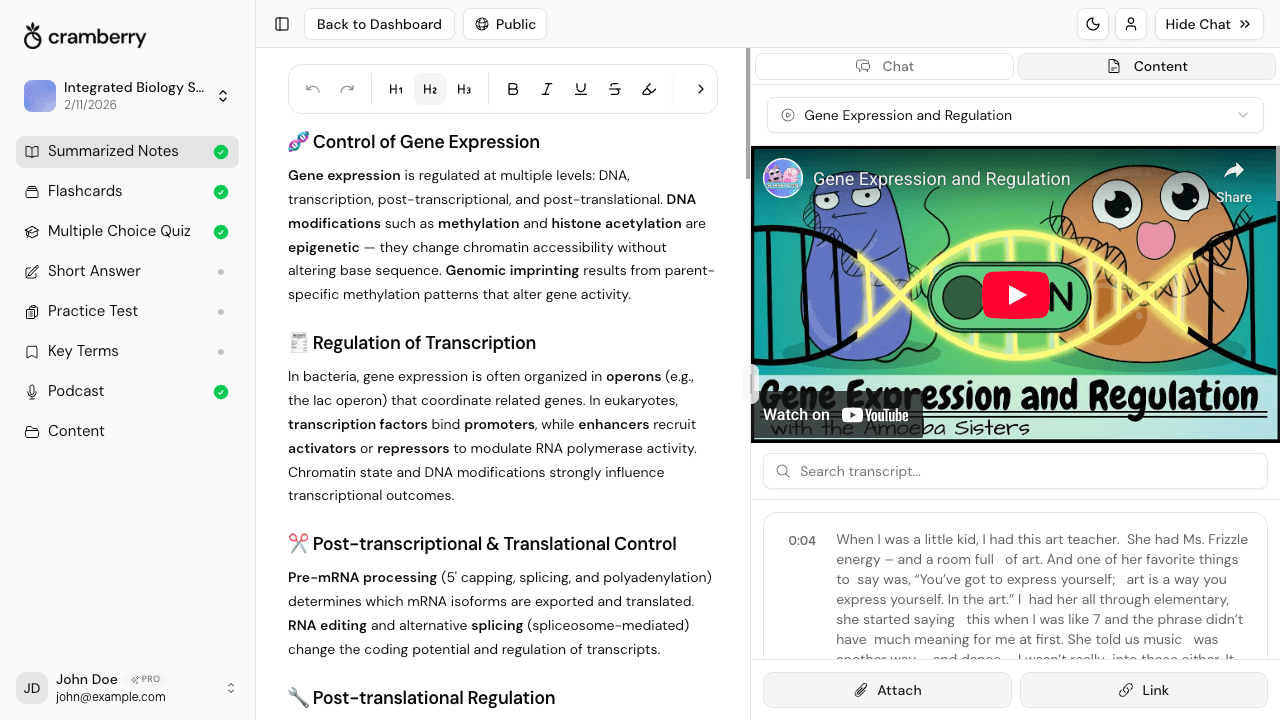
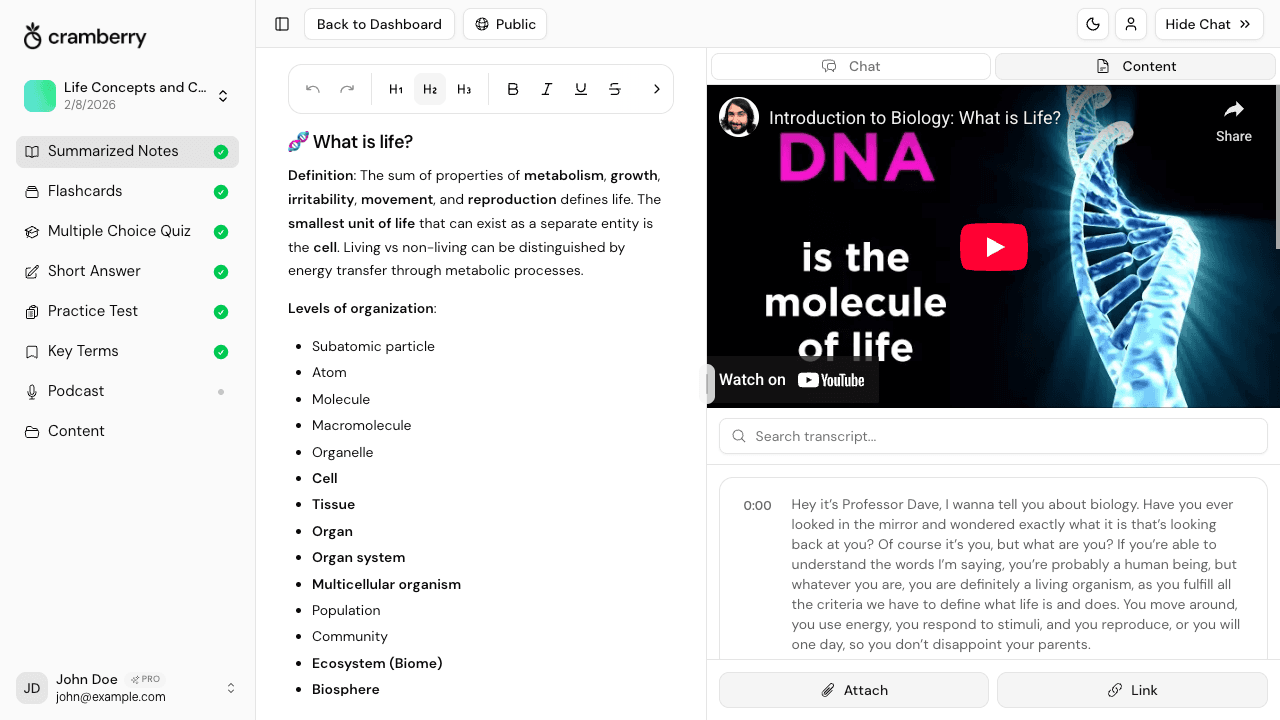
Comprehensive study notes generated from a YouTube lecture transcript

From quick summary to full study notes

A summary tells you what the video covers. Full study notes tell you how — every concept explained, every example captured, every definition included. One click turns the same transcript into comprehensive, organized notes ready to study from.

  • Notes organized by topic and concept, not by video timestamp
  • Captures explanations, worked examples, and key definitions
  • Reuses the same transcript — no extra processing time or cost
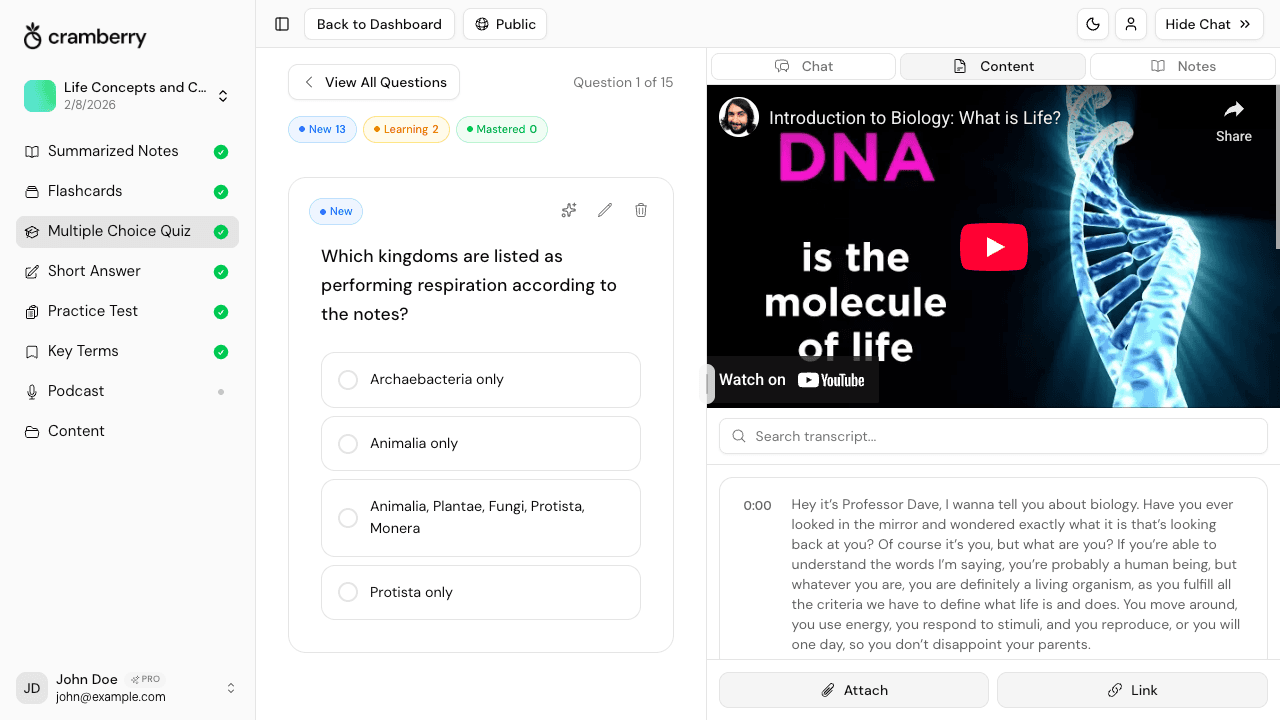
Flashcards and quiz questions generated from a YouTube video summary

Turn the video into flashcards and quizzes

Reading a summary is passive. Actually retaining the material requires testing yourself. Cramberry converts the same video into flashcards, multiple-choice questions, short-answer quizzes, and practice tests — so you move from knowing what it said to knowing it.

  • Flashcards built from the key terms and concepts in the video
  • Multiple-choice and short-answer questions for active self-testing
  • Practice tests that span the full video content
AI chat tutor answering a question about a summarized YouTube video

Ask the AI Tutor about the video

After summarizing, you can ask the AI Tutor anything about the video — clarify a point the speaker made, get a deeper explanation of a concept, or explore a related idea. The tutor is context-aware of your specific video, not just the topic in general.

  • Ask follow-up questions grounded in what the video actually covered
  • Get clearer explanations of anything the speaker glossed over
  • Add more sources to the same StudySet and study everything together

Summarize a video in 3 steps

From URL to summary in under a minute.

1

Paste the video link

Copy a YouTube URL — a lecture, a talk, a tutorial, anything educational — and paste it into Cramberry. Or upload an audio recording to transcribe and summarize instead.

2

AI generates your summary

Cramberry reads the full transcript and produces a clean, accurate summary of the key points. From there, add full notes, flashcards, a quiz, or a podcast in one more click.

3

Study, review, and ask questions

Read the summary, explore full notes, test yourself with quizzes, or ask the AI Tutor anything about the video — all in a single StudySet, all in one place.

Why a summary is the start, not the finish

A good summary tells you what a video covers. But knowing what was said and actually retaining it are two different things. Active recall — testing yourself on the material rather than just reviewing it — consistently produces stronger, longer-lasting memory than passive re-reading or rewatching.

That's why Cramberry doesn't stop at summaries. After you get the gist, you can instantly generate flashcards, quizzes, and practice tests from the same video content. The testing effect is one of the most replicated findings in learning science: the act of retrieving information is itself what makes it stick.

Based on established principles of active recall, retrieval practice, and the testing effect — widely supported in cognitive and educational psychology research.

What you can summarize with Cramberry

YouTube videos are the main input here — but Cramberry handles plenty more.

PDF documents

Textbooks, papers, and reports

PowerPoint / slides

Decks, presentations, lecture slides

YouTube videos

Lectures, talks, tutorials

Images / photos

Handwritten notes, diagrams

Web links / articles

Articles, blog posts, pages

Text & audio

Typed notes or audio recordings

Who uses Cramberry to summarize videos?

Anyone who learns from video — and wants to spend less time watching and more time knowing.

College students

Summarize a 90-minute lecture before deciding how deeply to study it. Get the structure and key points before you commit your full attention.

Online learners

Working through a long Coursera, Udemy, or YouTube course? Summarize each video to stay on top of what you've actually absorbed.

Researchers and professionals

Screen conference talks, expert interviews, and webinars fast. Identify which ones deserve your full attention before investing the time.

Self-directed learners

Learning a new skill from YouTube? Summarize tutorials and talks to build a clear mental map before drilling the details with flashcards and quizzes.

Content creators and writers

Research faster — extract the core arguments from long video interviews or expert talks without watching every minute of footage.

Working professionals

Training videos, recorded webinars, industry talks — summarize them quickly, capture what's relevant, and keep moving.

More tools in Cramberry

Summaries are just the start — turn your video into a complete study set.

Simple pricing

Start free, upgrade when ready.

Free

Perfect for getting started

$0

forever free

  • 5 AI generations total
  • 10 AI chat messages per month
  • 1 podcast generation
  • 1 hour recording (lifetime)
  • Unlimited study sets
  • Courses, notes, flashcards, and quizzes
Get started
Cram mode

Weekly

Perfect for cramming or finals week

$4.99

per week

  • Everything in Pro, billed weekly
  • Unlimited AI generations
  • Unlimited AI chat messages
  • Cancel anytime — no commitment
  • Ideal for exam crunch periods
  • Priority support
Try Weekly
Most popular

Pro

For serious students

$14.99

per month

  • Unlimited AI generations
  • Unlimited AI chat messages
  • 10 podcasts per month
  • 2 hrs/day recording (30 hrs/month)
  • Unlimited study sets
  • Courses, notes, flashcards, and quizzes
  • Short answer and practice tests
  • Key terms glossary
  • Priority support
Get Started

FAQ

Frequently Asked Questions

Everything you need to know.

Stop watching whole videos to get the point

Paste a YouTube link and get the key takeaways in seconds. When you're ready to go deeper — notes, flashcards, quizzes — everything is one click away.

Summarize a video free